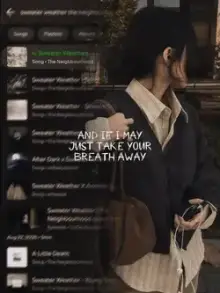
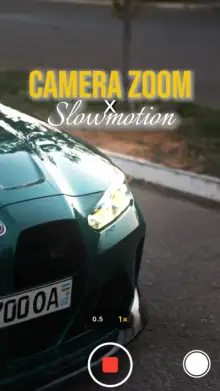


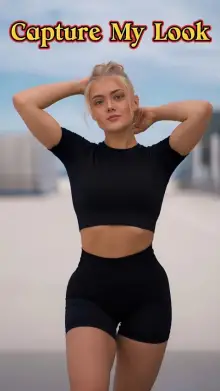



Vikas Editing CapCut templates are ready-made edits credited to the Vikas Editing creator name. Searches such as "filter by Vikas Editing" suggest many people look for filter and color-style templates under this name. You add your clips, the template applies its look and timing, and you export a short vertical video.
What Is a Filter-Style CapCut Template?
A filter template changes the colors and mood of your clips, making them warmer, cooler, faded or higher in contrast, while also cutting them to music. Unlike adding a filter by hand, the look and timing come preset, so every clip gets a matching style.
We can't describe every Vikas Editing template, so watch each preview to see its look. For more color-focused edits, browse CapCut filter templates and aesthetic templates.
How to Get Clean Colors From a Filter Template
- Start with good light Filters push colors further, so a dim clip turns muddy or grainy.
- Skip clips that already have a filter Stacking a template look on top of a Snapchat or Instagram filter often looks overdone.
- Keep lighting similar across clips One indoor clip among outdoor ones will stand out.
- Watch skin tones If faces look orange or gray, try a clip shot in softer, natural light.
- Turn off beauty mode On your camera if the result looks too smooth.
Using a Filter by Vikas Editing CapCut Template
Tap "Use Template in CapCut" on any card, then "Use template" inside the app. Pick your clips, preview and export. Some people search "template by Vikas video CapCut" instead, and the steps are the same. Buttons can be labeled a little differently by version, so check our guide to using CapCut templates if you get stuck.
Credit and More Templates
To find more, search "Vikas Editing" in CapCut's Templates tab and follow the creator's profile from one of their templates. All templates here belong to their creator. We are an independent site and not connected to Vikas Editing or CapCut. For a polished film look, see cinematic templates.
Frequently Asked Questions
Are all Vikas Editing templates filter edits?
Not necessarily. Searches like "filter by Vikas Editing" show that many people look for filter-style templates under this name, but we can't say every template uses that style. Watch each preview to see its colors and pace first.
Why does the filter look bad on my clips?
Filters exaggerate whatever is already in your footage. Dim light, an existing app filter or mixed lighting between clips all show up more. Use bright, natural-light clips without other filters, and keep the lighting similar across every clip.
Can I change the filter strength in a template?
Usually not, since the creator sets the look. Some templates allow small changes on the edit screen, but this varies by template and app version. If you need full control over color, edit the clip manually in CapCut instead of using a template.
How do I find more Vikas Editing templates?
Open CapCut, go to the Templates tab and search "Vikas Editing". Tap the creator name on a template to see the profile, then follow it. Our page is an independent collection and is not connected to the creator.