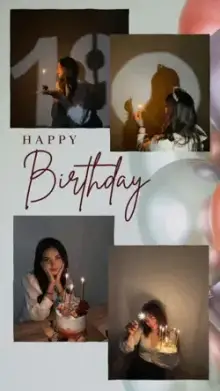



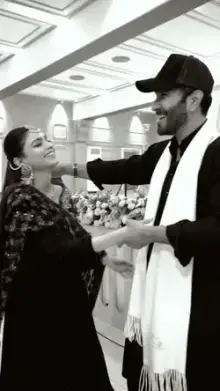
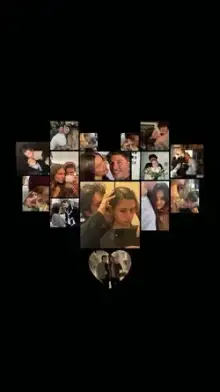










Couple CapCut templates are pre-built video edits made for two people. They often use split screens, side-by-side photos, mirrored transitions and space for both names. You select the photos or clips each slot asks for, and CapCut applies the music, effects and timing. Most are vertical and under 30 seconds long.
Types of Couple Templates
| Type | What it looks like | What to prepare |
|---|---|---|
| Split screen | Both of you on screen at the same time | Pairs of matching photos |
| Then and now | An old photo flips to a recent one | Similar poses from different years |
| Story timeline | Moments shown in order, often with dates | Several photos in sequence |
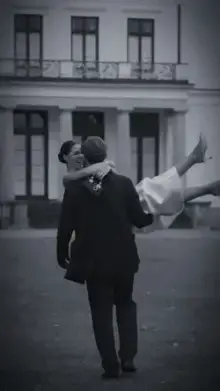
| Pre-wedding | Slow, cinematic, warm tones | Clips and portraits from your shoot |
| Funny couple | Quick cuts, stickers and sound effects | Candid videos and bloopers |
Photos or Videos: What Works Best in a CapCut Template Couple Edit?
Photos are easier. They are sharp, and you get to choose the best frame. Short videos feel more alive, especially in slow-motion templates. Most couple templates accept both, and many people mix them.
Whatever you use, try to keep the lighting and framing similar across shots. If one partner's photo is bright and the other is dark, a side-by-side layout makes the difference obvious. For split-screen slots, pick photos where you are both framed at roughly the same size.
Getting Both Faces Right in Split Screens
Split-screen slots are narrow, so a wide group photo will be cropped hard. Use close or medium shots where each face fills a good part of the frame. In many app versions you can tap a slot after selecting your clips and adjust the crop or position until both faces sit comfortably in view.
Shooting Tips for Couples
- No one to hold the camera? Lean the phone on something steady and use the timer, or a small tripod.
- Film a few seconds of the two of you walking toward the camera. It fits almost any slow template.
- Shoot during golden hour, just after sunrise or before sunset, for warm and flattering light.
- Keep both faces near the center, because templates crop and zoom.
- Take a few candid shots between posed ones. Laughing mid-pose often makes the best clip.
Post With Both People's OK
A couple edit features someone else too, so check that your partner is happy before posting it publicly. If either of you prefers privacy, use silhouettes or hand shots, or send the video privately instead of posting it.
It is also worth asking before using old photos from a past event. Not everyone likes every picture of themselves, and a quick check avoids awkward moments later.
More Ideas for Two
For edits that can be about anyone you love, including family and friends, browse our love templates. Planning a surprise for your partner's big day? The birthday templates have space for names and dates. For slower, film-like looks, see slow motion templates, and if this is your first template, our guide to using CapCut templates covers every step.
Frequently Asked Questions
Can I use a couple template with just one photo of us together?
Some couple templates need only one or two photos, but many ask for several. Check the clip count on the template page before you open it. If you have one great photo, look for single-clip templates rather than repeating the same picture in every slot.
Is a couple template different from a love template?
Yes, mainly in layout. Couple templates are built for two people, with paired slots, split screens or two name fields. Love templates are broader and can be made for anyone you love, including family and friends, usually with single photos shown in sequence.
Can we add both our names to a couple template?
In many couple templates, yes. If the template has editable text, tap the text option in CapCut and type both names, your initials or a special date. Templates whose text is part of the design cannot be changed, so check the preview first.
Which couple template works for a pre-wedding video?
Choose a slow, cinematic template with warm tones and longer clip slots, since pre-wedding footage is usually polished and each shot deserves time on screen. Use your best videos from the shoot, and keep fast, funny templates for behind-the-scenes clips.